
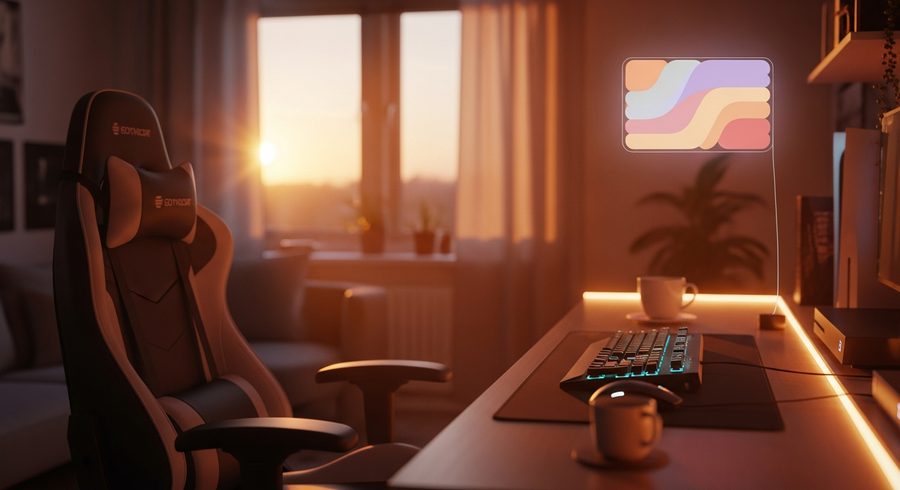
The Video Game Lamp and 6 More Gaming Room Lighting Picks for 2026
From the pixel-art video game lamp on your desk to full screen-sync panels, here's the gaming room lighting we'd buy in 2026, ranked by impact per dollar.
Lighting is the cheapest way to make a gaming room feel finished, and the fastest way to make it look like everyone else’s if you get it wrong. The trick is layering: one genuinely bright light so you can see, one reactive piece for the mood, and a personality piece that’s just for you. That last one is usually a video game lamp, the little pixel panel or character light that makes the setup unmistakably yours.
I set this list by actually living with the lights for a while, in a normal room with normal wall space, not a photo studio built to flatter RGB.
How we picked
Three things drove the ranking: impact per dollar (lighting is where a small budget shows the most, so value matters), how usable the light is day to day (can it also just light the room, or is it only a glow), and how well it plays with the rest of your setup (a light that syncs to your screen or your other gear earns its spot). I weighted true room lights above pure accents, then made room for one or two personality pieces because a setup with no character is just a lit desk.
Ease of setup counted too. A light you never finish installing is decor you don’t have.
The short version
Start with the Govee Gaming Pixel Light as your video game lamp centerpiece, add the Govee Floor Lamp 2 so the room is actually lit, and put Nanoleaf Shapes on the wall for the feature moment. Want everything to react to your screen together? The Govee AI Gaming Sync Box ties it up. On a tight budget, a Paladone icon lamp brings personality for pocket change.
Full picks are below.
Govee Gaming Pixel Light
The video game lamp that started the trend and still does it best. A grid of pixels you can draw retro sprites and text on, then set to react to your screen. It's part lamp, part canvas, and it's the piece guests always ask about.
- Draw your own pixel art
- Screen and music reactive
- The setup centerpiece
- Pixel grid is low-res by design
- App has a learning curve
Govee Floor Lamp 2
The single most useful light in the room. 1725 lumens of RGBICWW that goes from warm reading white to full reactive color, with 80-plus presets. It lifts the whole space instead of just glowing behind the desk.
- Bright enough to actually light a room
- Warm white and full RGB
- Screen sync built in
- Takes floor space
- Premium price
Nanoleaf Shapes (Hexagons)
Interlocking panels you arrange into whatever shape your wall wants. Color accuracy is top-notch and the animations are fluid, so it works as art during the day and a light show at night. The classic wall statement.
- Endlessly configurable layouts
- Beautiful color and animation
- Doubles as daytime decor
- Adds up fast per panel
- Adhesive is semi-permanent
Govee AI Gaming Sync Box
The upgrade that makes every other light in the room smarter. Its CogniGLow algorithm reads select PC titles and generates lighting keyed to in-game events, so the whole setup reacts to what's on screen rather than guessing from edge colors.
- Game-aware, not just edge-reactive
- Ties your lights together
- Impressive in supported titles
- Best with other Govee gear
- Title support varies
Govee Gaming Wall Light
Mounts behind the monitor and throws reactive RGB onto the wall, the classic bias-lighting look that reduces eye strain and photographs beautifully. The easiest big-impact upgrade for the money.
- Big visual payoff
- Eases eye strain in the dark
- Simple to install
- Needs wall behind the desk
- Cable routing takes care
Corsair iCUE LED Strip Kit
If your keyboard, mouse and PC are already Corsair, these strips fold into the same iCUE lighting so everything reacts together. One app, one color scheme, no juggling three ecosystems.
- Unifies a Corsair setup
- One app controls everything
- Reliable sync
- Only makes sense in iCUE
- Plain hardware on its own
Paladone Icon Light (Character Lamp)
A cheap, cheerful video game lamp shaped like an icon from a game you love. It won't light a room, but on a shelf it adds warmth and personality for the price of a takeout meal.
- Affordable personality
- Great gift
- USB or battery
- Accent light only
- Plastic build
What is a video game lamp?
A video game lamp is a decorative light built around gaming, from pixel-art panels like the Govee Gaming Pixel Light that you draw retro sprites on, to character-shaped icon lamps. Some are true room lights and some are shelf accents, so decide first whether you want a video game lamp for ambiance or just for personality on a shelf.
Govee, Nanoleaf or Philips Hue for a gaming room?
Govee is the best value and has the widest gaming-specific range, including screen sync. Nanoleaf wins on wall-feature looks with its modular panels. Philips Hue is the premium smart-home pick if you want lighting that extends beyond the gaming room. For most setups, Govee does the most for the least.
How much should I spend on gaming room lighting?
Budget setups run $50 to $150 for strips and a bias light. Mid-range ($150 to $400) gets you smart panels and screen syncing. Premium full-room ecosystems start around $400. You don't need to spend big: one bright reactive lamp and a bias light behind the monitor already transform a room.
Does screen-sync lighting actually look good, or is it a gimmick?
Done right, it looks great and eases eye strain in a dark room. Edge-reactive sync (reading colors from your screen border) is the affordable version. Game-aware sync like the Govee AI box reacts to actual in-game events, which is a real step up in supported titles.